

Running AI workloads on Kubernetes: patterns that hold up
Not every AI workload belongs on Kubernetes. Some belong nowhere else. The patterns that hold up, separating CPU and GPU tiers, sizing autoscaling for serving versus batch, picking the right foundation, and the ones that fall apart at the first real load.

Half the AI-on-Kubernetes conversation in 2025 is hype, and half of it is people quietly running real workloads and refusing to write about them because the patterns aren't fancy enough to be a conference talk. The shape that's emerging is straightforward: some AI workloads are an obvious fit for K8s, some are a forced fit, and a couple just shouldn't be there at all. Worth being concrete about which is which.
I've been running a K3s cluster at home for a while now, three nodes on the Helix homelab, with engine-01 (an older Linux box with a GTX 1080 Ti) as the GPU-bearing worker, and store-01 (the Synology) as the NFS source backing most of the persistent volumes. It's a toy by enterprise standards, but the topology is the same. The 1080 Ti can't run a frontier model, but it can run a 7B or a 13B quantized to Q4, plus a handful of smaller serving and batch workloads. That's enough to feel where the patterns hold and where they break.
AI on Kubernetes, the pattern that holds upIngress + routingTLS, auth, rate limitInference layerKServe, vLLM, model podsObservability sidecarsmetrics, traces, logsGPU node poolscheduling, taints, driversStorage + secretsPVC, vault, signed manifestsns:edgeaiopsinfradataInference layer is the apex. Everything else is in service of it.The pattern that holds up.
Which AI workloads belong on Kubernetes
The boring honest answer first.
Model serving. Long-running, stateless-ish, needs scheduling, benefits from horizontal scale, wants a load balancer in front and a service mesh underneath. That's a Kubernetes-shaped workload. Whether you're using KServe, vLLM with a plain Deployment, BentoML, or a custom server behind a Service, this is what K8s was built for, and the ergonomics fit.
Batch inference and feature pipelines. A nightly job that runs an embedding pass over a corpus, or a periodic re-scoring of historical data with a fresh model. CronJob, Job with parallelism, or an Argo Workflows DAG. K8s' batch primitives have matured to the point where this is one of its strongest stories.
RAG indexing. The "rebuild the vector index nightly" workload is a textbook K8s batch job. The "online retrieval at query time" workload sits on the serving side. Both fit cleanly.
Agent runtimes. Long-running processes that hold state, call tools, and need horizontal scale when traffic spikes. The shape is a Deployment with sticky sessions or an external state store, and the orchestration story is closer to a normal microservice than to anything exotic.
Eval and CI workloads. Run-this-eval-on-the-new-model-version is a Job. Plug it into your existing CI setup.
Which AI workloads don't
Training at scale. Large training runs usually want a different foundation. Slurm, Ray, or a hyperscaler's managed training service. Kubernetes can run training jobs (Kubeflow's TFJob and PyTorchJob exist, and they work), but the scheduling primitives K8s exposes are tuned for service workloads, not for the all-or-nothing gang-scheduling and topology-aware placement that distributed training wants. People who do this at scale tend to use Volcano or Kueue layered on top of K8s, and the operational cost goes up sharply. Small fine-tuning runs are fine on K8s. Frontier training isn't.
Anything that needs to live as close to the GPU as possible with the lowest possible variance. Tight-loop benchmarking, raw-throughput serving of a single model, latency-critical inference where every millisecond of scheduler jitter shows up in the p99. K8s adds layers; those layers cost something. For most workloads the cost is invisible. For a few it isn't.
The model registry itself, the artifact store, the metadata DB. These are stateful services that happen to support AI workloads. Run them where you run your other stateful services. K8s is fine for them, but they aren't AI workloads in any interesting sense.
Patterns that hold up
Separate CPU and GPU node pools
The single most important pattern. Tag your GPU nodes with a taint like nvidia.com/gpu=true:NoSchedule, and add a matching toleration to GPU workloads. Everything else stays off them.
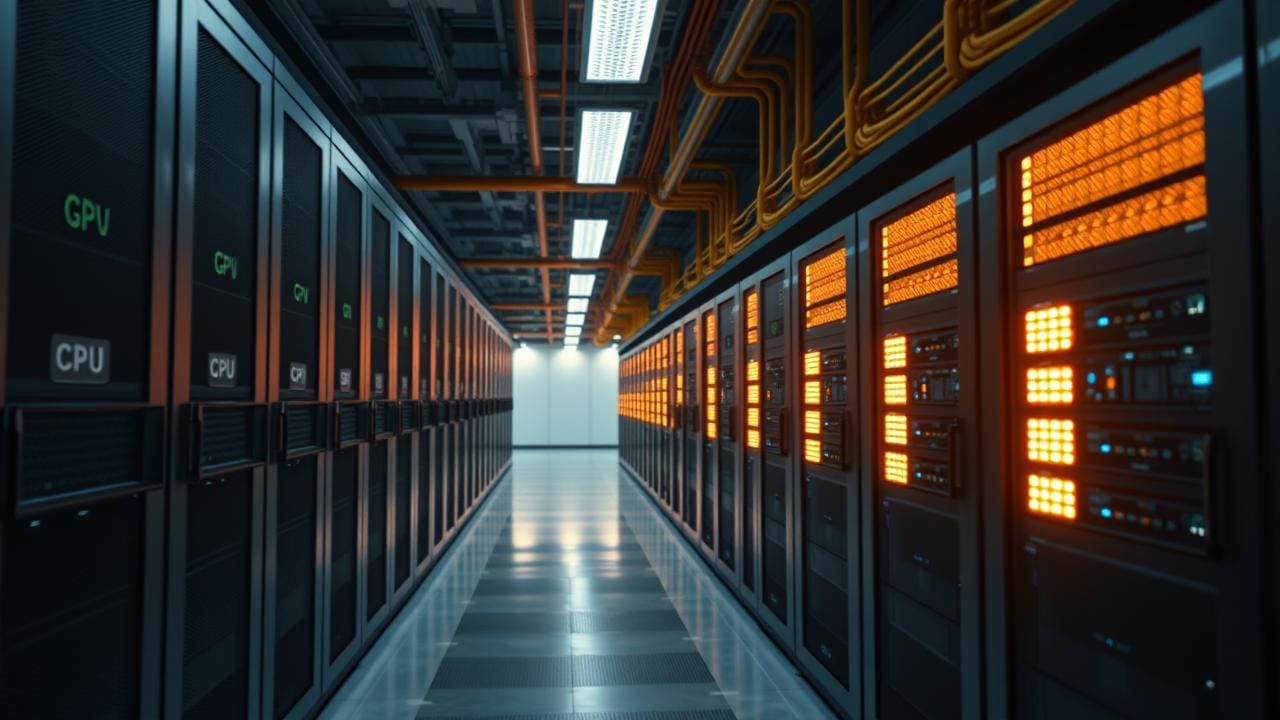
The reason is economic. GPU nodes cost dramatically more than CPU nodes; you do not want a noisy-neighbor batch job eating the CPU and memory on a node whose value comes from its GPU sitting saturated. On the homelab, engine-01 is the only GPU node; everything else lives on a CPU-only pool. Same idea, smaller scale.
The corollary is to size your GPU pool for the GPU workloads, not for the CPU surface around them. A common mistake is to provision a beefy GPU node so the pre- and post-processing also fits, and then watch the GPU sit at 30% usage while the CPU and RAM do the actual work. Move the CPU work to CPU nodes, send only the GPU-hot path to the GPU pool, and right-size from there.
Different autoscaling for serving versus batch
Serving workloads want to scale on traffic. HPA on requests-per-second, or on a queue depth, or on a custom metric like GPU usage. The autoscaler should react fast and prefer over-provisioning slightly to under-provisioning.
Batch workloads want to scale on backlog. KEDA against a queue is the pattern; let the job pool grow to drain the queue, then shrink to zero. The autoscaler should react when the backlog appears and tolerate slow scale-up; the cost of a job finishing five minutes later is usually nothing, and the cost of holding capacity warm is real.
Mixing these patterns on the same node pool is a recipe for batch jobs eating the capacity your serving workload needs at the moment a traffic spike arrives. Separate pools, separate autoscaling policies.
Persistent volumes via NFS or block, depending on what's reading
Model weights are big. Loading a 70B model from object storage at pod startup is a cold-start problem. The pattern that holds up is to stage weights once onto a persistent volume (NFS-backed for the read-many case, block-backed for the write-heavy case) and mount that PVC into the serving pods.
On Helix, store-01 is the NFS source. The PVC pattern is "create the volume once, populate it via an init job, then every serving pod mounts it read-only." That trims pod startup from minutes to seconds, and the model weights are cached at the storage layer instead of being re-pulled across the network on every restart.
At enterprise scale the foundation changes, you're probably looking at an S3-backed CSI driver, or a parallel filesystem like Lustre or Weka, but the pattern is the same: stage the weights, share the volume, don't re-download on every pod start.
The serving-layer question
Every team running AI on Kubernetes eventually asks: should the serving layer be a generic Deployment, or KServe, or vLLM as a plain Service, or BentoML, or Triton? The honest answer is that this gets its own piece later in this batch. The short version: each layer trades operational complexity for serving features. Pick based on what you actually need, not on what the vendor talk last week made sound cool.
Treat the serving layer like a 12-factor app, not like a model
The pods are stateless. The model weights are mounted, not baked into the container, keeps the image small and the deploys fast. Logs go to stdout. Metrics go to Prometheus. Tracing goes to OTel. The serving framework is an implementation detail; the operational shape is "another service."
Where teams go wrong is in baking the model into a giant container image because that's what some tutorial showed. A 30 GB image is operationally miserable. Separate the runtime from the weights; mount the weights as a volume.
Don't pretend agents are stateless
Agent runtimes hold state, conversation history, tool call traces, intermediate planning artifacts. Sticky sessions plus an external state store (Redis, Postgres, a local DB on a PVC) is the pattern. The "scale agents like web servers" temptation produces agents that forget what they were doing the moment the pod rolls.
This one's been a quiet source of pain in every public deployment I've followed. The agent code is often written as if state is free; the K8s reality is that pods die. Plan for it.
What changes at fleet scale
The patterns above hold whether you're on engine-01 or on a hundred-node GPU cluster. What changes is the operator burden.
At fleet scale the device-plugin questions get sharper, one GPU per pod or MIG-partitioned, how to handle multi-tenancy, how to keep usage up across a heterogeneous fleet. That gets its own piece in this batch too. The portal / catalog story (who owns which model, what's the on-call rotation, where do the eval reports live) also gets sharper, and Backstage starts to earn its keep, another piece later.
And the business-decisions problem, how do you keep "production sizing" and "preview sizing" consistent across thirty teams' charts. That's where Decisions as Code (DaC) comes back as Helm values, library charts, and JSON Schema. DaC is the approach behind nearly every self-service and automation system I've designed: extract business decisions out of platform configuration into a small, curated layer (often five real decisions where the raw config exposed eighty-nine) and let the platform absorb the rest through templates and defaults. (I called this Property Toolkit during my OneFuse days; the foundation is different, the shape isn't.) That piece is the centerpiece of this batch.
What I keep coming back to
Kubernetes isn't a magic foundation for AI. It's a perfectly good foundation for the workloads that look like services, jobs, and pipelines, which turns out to be most of what an AI platform actually runs. The exotic-looking parts (the model serving framework, the GPU scheduling, the batch primitives) all reduce to patterns that K8s already knows how to express.
The trap is treating AI as if it deserves its own bespoke platform, then ending up with two platforms to operate. Most teams I've watched re-learn the lesson the hard way: the simpler answer was to lean on K8s, get the patterns above right, and put the complexity where the workload actually requires it (in the serving layer, in the GPU scheduler, in the data path) rather than in a whole second platform.
The Helix cluster won't ever serve a frontier model. But the pattern of "GPU node, CPU node, NFS-backed weights, separate autoscaling, agent state in Redis" is the same shape I'd deploy on a hundred-node fleet. That portability is the point.